

15 November 2026 · 8 min read
IPTV Account: What It Is and How to Set It Up on Firestick
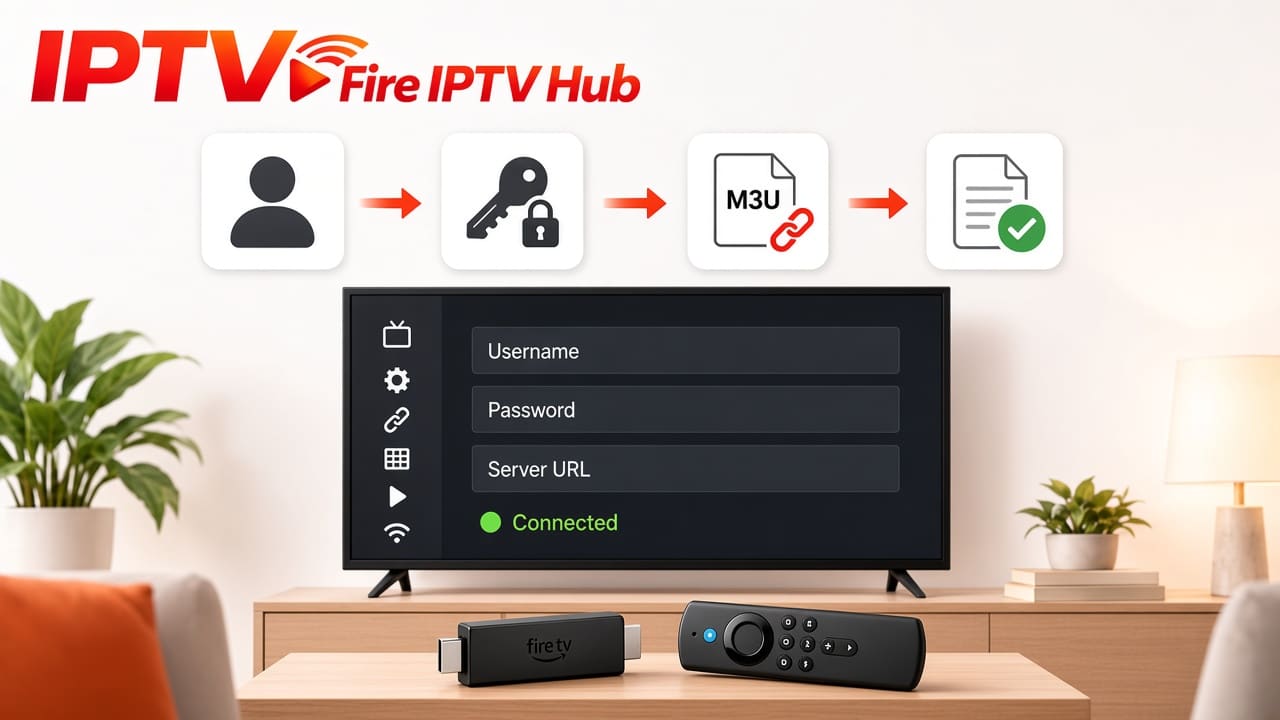
An IPTV account gives you access to television channels and on-demand content through an internet connection. Instead of using traditional cable or satellite services, you use an IPTV subscription and a compatible IPTV player to stream content on your device.
If you use an Amazon Fire TV Stick, Android TV, Smart TV, or mobile phone, an IPTV account makes it easier to access your subscribed content from a compatible application.
What Does an IPTV Account Include?
An IPTV account normally includes the login information required to connect your IPTV subscription to a supported player. Depending on the provider, you may receive:
- Username and password: Login credentials for compatible IPTV applications.
- Server URL: The address used to connect the player to the IPTV service.
- M3U playlist URL: A link that loads your available channels and content.
- Xtream Codes details: Login information used by players such as IPTV Smarters Pro.
- Subscription duration: Your package's start and expiry dates.
The available login method depends on your IPTV provider and the application you choose.
How to Set Up an IPTV Account on Firestick
Setting up an IPTV account on Firestick is straightforward when you have your login details and a compatible IPTV player.
Follow these steps:
- 1
Connect your Fire TV Stick
Connect your Fire TV Stick to a stable internet connection.
- 2
Install a compatible IPTV player
Install a compatible IPTV player, such as IPTV Smarters Pro, if available for your device.
- 3
Choose the login method
Open the application and select the login method provided by your IPTV provider.
- 4
Enter your account details
Enter your IPTV username, password, and server URL, or add your M3U playlist.
- 5
Load channels and EPG
Wait for the application to load your channels and electronic programme guide (EPG).
- 6
Test playback
Open a channel or VOD category to check whether everything is working.
You can also follow our Firestick IPTV installation guide for more information about getting started.
How to Find Your IPTV Account Login Details
After purchasing an IPTV subscription, your provider should send the required account information through its chosen delivery method, such as email or WhatsApp.
Check your message for the username, password, server address, or M3U playlist URL. Enter these details carefully because an incorrect character can prevent your IPTV player from connecting.
If you cannot find your credentials, contact your provider and request the login information again.
Common IPTV Account Problems and Solutions
| Problem | Possible solution |
|---|---|
| IPTV login failed | Check your username and password |
| Invalid account details | Confirm the server URL and login information |
| Channels not loading | Check your internet connection |
| Account expired | Contact your provider about renewal |
| IPTV buffering | Restart your router and check connection speed |
| Playlist not working | Confirm that the M3U URL is correct |
Avoid sharing your IPTV login details publicly. Also, check your package's connection limit before using the same account on multiple devices.
Get Your IPTV Account from Fire IPTV Hub
Looking for an IPTV account for your Firestick or another compatible device in the UK? Fire IPTV Hub offers subscription options with access to live TV channels and a Video on Demand library.
The service supports setup through IPTV Smarters Pro, Xtream Codes API, and M3U playlists. You can choose a subscription duration according to your viewing needs and contact the support team for help with activation and installation.
Visit the Fire IPTV Hub subscription page to explore the available packages and get assistance with your IPTV account.
Final Thoughts
An IPTV account provides the login details needed to access an IPTV subscription through a compatible player. Once you receive your credentials, you can add them to your Firestick, Smart TV, or another supported device and start streaming. Always keep your login information secure and check your subscription status to avoid interruptions.