Many Firestick users in the UK are suddenly facing the same problem:
IPTV apps no longer install, APK files won’t open, and Downloader doesn’t work anymore.
If your Firestick IPTV stopped working after a recent update or you bought a new Fire TV device in 2025–2026, Vega OS is the reason.
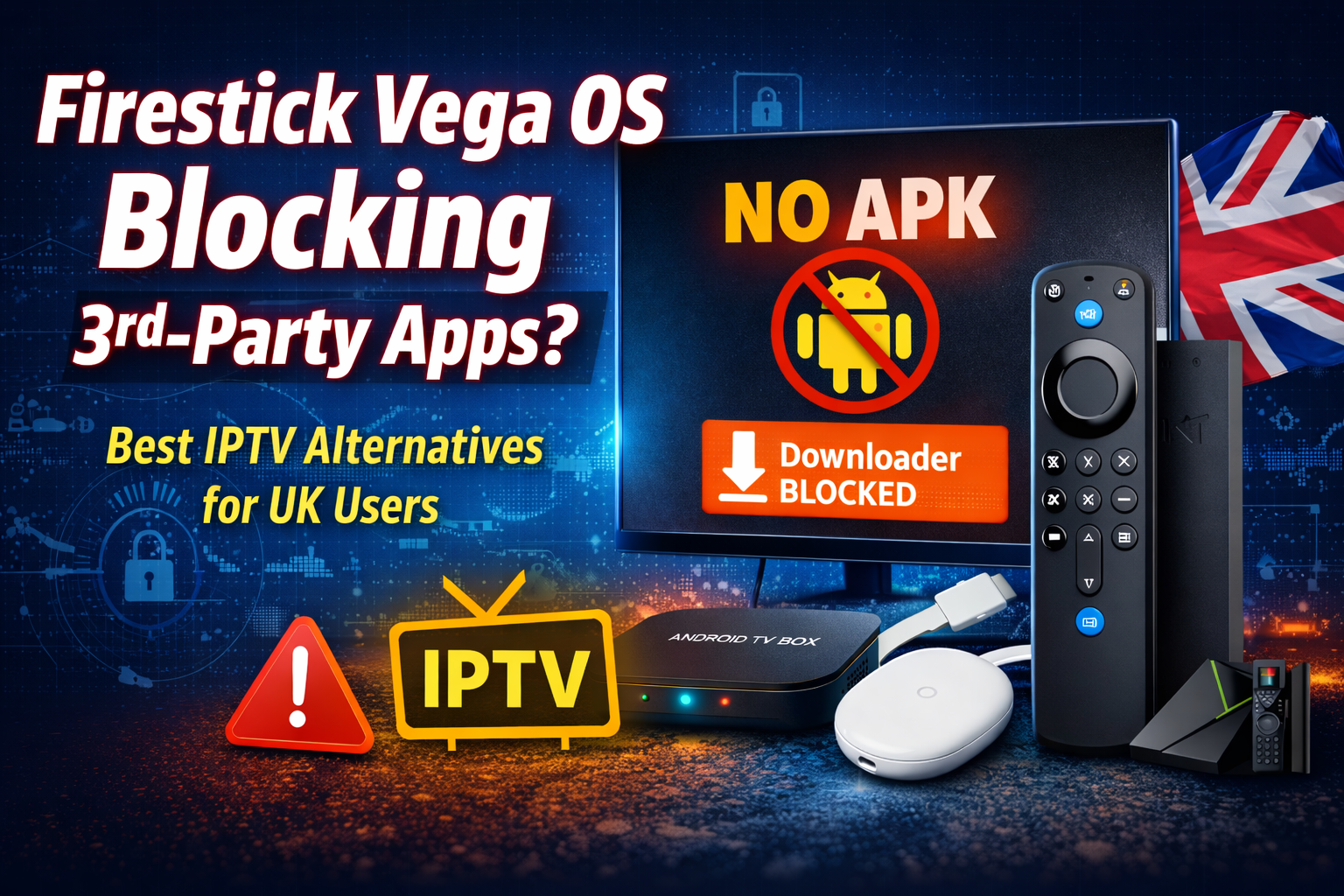
Amazon has quietly moved newer Firestick models away from Android and replaced Fire OS with Vega OS, a closed system that blocks third-party apps completely.
This guide explains what changed, why Firestick IPTV no longer works, and what devices UK users should switch to if they rely on IPTV subscriptions.
What Is Vega OS and Why Firestick Changed?
Older Firestick models ran on Android-based Fire OS, which allowed:
- Installing IPTV apps via APK
- Using Downloader codes
- Enabling “Apps from Unknown Sources”
- Running third-party IPTV players freely
Vega OS is different.
It is not Android.
It is a locked Amazon operating system designed to control what apps can run.
This change directly affects Firestick IPTV users.
Why Firestick Vega OS Blocks IPTV & 3rd-Party Apps
With Vega OS:
- APK installation is fully blocked
- Downloader app no longer installs external apps
- Developer Options are removed or restricted
- Only Amazon-approved apps can run
- IPTV apps, modded players, and sideloaded tools fail
This is why many users searching for firestick IPTV not working are hitting a dead end.
No VPN, reset, or setting change can fix this.
The restriction is at the OS level.
Impact on Firestick IPTV Users in the UK
If you use Firestick IPTV for:
- Live UK sports
- Sky Sports, TNT Sports, PPV
- International channels
- IPTV subscriptions with custom apps
Then new Firestick models are no longer suitable.
Even if your IPTV worked before, future updates can break it permanently.
This is especially important for:
- Firestick IPTV subscription users
- Fire IPTV UK customers
- IPTV reseller UK setups
Should You Still Buy a Firestick in 2026?
Firestick with Vega OS is only fine if you use:
- Netflix
- Prime Video
- YouTube
- BBC iPlayer
If you rely on IPTV or third-party apps, Firestick is no longer recommended.
Best Firestick Alternatives for IPTV (UK Users)
If you want full freedom, APK installation, and long-term IPTV support, switch to an Android-based device.
1. Android TV Box (Best Overall for IPTV)
This is the top replacement for Firestick IPTV users.
Why it works:
- Full APK and IPTV app support
- Compatible with all IPTV players
- Works perfectly with IPTV subscriptions
- No restrictions on sideloading
Recommended chipsets:
- Amlogic S905X4
- Amlogic S922X
Best choice for:
- Firestick IPTV replacement
- IPTV reseller UK setups
- Multi-room IPTV users
2. Chromecast with Google TV
A simple, reliable option for users who want a clean interface.
Advantages:
- Android-based OS
- Supports IPTV apps and APK files
- Downloader works
- Stable performance
Best for:
- Casual IPTV users
- Firestick IPTV subscription users moving to Android
3. NVIDIA Shield TV (Premium IPTV Device)
This is the most powerful option.
Why advanced users choose it:
- Excellent IPTV performance
- Strong hardware
- Long-term Android updates
- Perfect for IPTV, streaming, and gaming
Best for:
- Heavy IPTV users
- Premium fire iptv uk setups
4. Android Smart TVs
Many Android TVs allow direct IPTV app installation.
Pros:
- No external device needed
- APK installation supported
Cons:
- Hardware varies by brand
Firestick Vega OS vs Android TV (Quick Comparison)
| Feature | Firestick (Vega OS) | Android TV |
|---|---|---|
| APK Installation | ❌ Blocked | ✅ Allowed |
| IPTV Apps | ❌ Not Supported | ✅ Fully Supported |
| Downloader | ❌ Disabled | ✅ Works |
| User Control | Limited | Full |
| Best for IPTV | ❌ No | ✅ Yes |
What Firestick IPTV Users Should Do Now
If you already have an IPTV subscription:
- Switch to an Android-based device
- Install your IPTV app or player
- Continue using your service without restrictions
If you are planning to buy IPTV:
- Avoid new Firestick models
- Choose Android TV or Android box
- Ensure device compatibility before subscribing
This avoids future blocks and wasted money.
Final Recommendation
Amazon’s move to Vega OS has ended Firestick’s support for third-party apps and IPTV.
If you rely on:
- Firestick IPTV
- Firestick IPTV subscription
- Fire IPTV UK
- IPTV reseller UK setups
Then switching to an Android-based device is no longer optional — it’s necessary.
Android TV keeps your IPTV working today and protects you from future restrictions.
FAQs – Firestick Vega OS & IPTV
Can Firestick Vega OS run IPTV apps?
No. Vega OS blocks APK installation and third-party IPTV apps.
Can I downgrade Firestick from Vega OS to Android?
No. Once updated, downgrade is not possible.
Does Firestick Lite still support IPTV?
Older models may work, but future updates can block IPTV anytime.
Can a VPN fix Firestick IPTV issues on Vega OS?
No. This is not a network issue. It’s an OS restriction.
Which device is best for IPTV in the UK?
Android TV boxes and Android-based devices work best.
Is Android TV legal for IPTV use?
Android TV devices are legal. IPTV legality depends on the service provider.
Is Firestick still good for IPTV resellers?
No. IPTV reseller UK setups should move to Android devices.